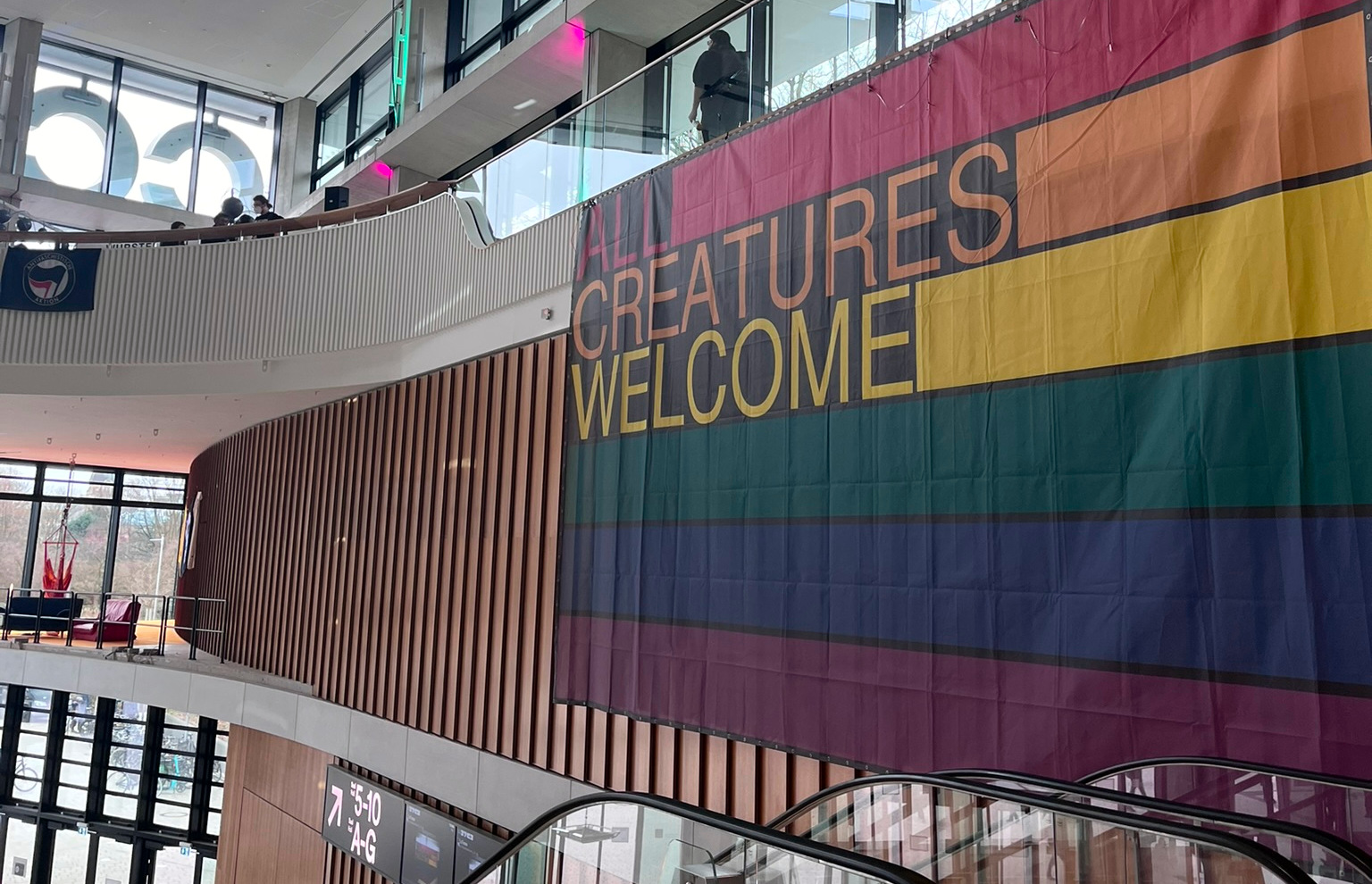
This is a quick notes post about the recent Chaos Computer Congress. It was nice to participate again after two years.
All Sorted by Machines of Loving Grace? "AI", Cybernetics, and Fascism and how to Intervene
The talk explores the roots of today's tech fascism and its love for tech. Full of nice rants.
A post-American, enshittification-resistant internet
A very condensed talk, in the usual style of Cory Doctorow. A bit optimistic, but the whole analysis definitely worths it.
I loved the phrase "Time to seize the means of computation!".
AI Agent, AI Spy
Based on a Signal Foundation research. How AI compromises the trust we usually have on operating systems.
Very critical when you are relying on end-to-end encryption, making the assumption that you can trust both ends.
Coding Dissent: Art, Technology, and Tactical Media
Artistic practices that engage with sociotechnical systems through tactical interventions.
Showcasing certain Art/Tech projects with political impact.
Suing spyware in Europe: news from the front!
The current status of the legal action against European governments using spyware (like Pegasus and Predator) to spy on people.
Repressions and Surveillance of Pro-Palestine Speech in Germany
An overview of how German authorities have engaged in systematic repression of Pro-Palestine speech.
With a reference to a new Berlin law that allows police to physically compromoise devices by intruding into private homes.
Running a NGO on FreeSoftware
Fascillitated by FSFE to showcase what kind software is being used for day to day operations. Many other tech people from other NGOs participated in the discussion. Common struggles on getting away from big tech companies.
Tales of apartheid
Stories of a Palestinian Israeli citizen on what Apartheid actually looks like.
Some quick links on projects and ideas captured in my notes based on discussions during the Congress.
This is a typical documentation post on how to set up a stack of open source tools to create a media center at home. That involves not just the frontend, that you can use on your TV or other devices, but also the tools needed for monitoring the release of certain movies and tv shows.
By the time you reach the end of the post and look at the code you will be wondering "is it worth the time?". I had the same reservations when I started looking to all these tools and it's definitely something to consider. But they do simplify a lot of the tasks that you probably do manually now. And in the end, you get an interface that has a similar user experience as many commercial streaming services do.
To minimize the effort of installing all this software and reducing future maintenance, you can use docker containers. The linuxserver.io project has done some amazing work on this area, providing pre-built container images. They definitely worth your support if you can afford donating.
Below I include a docker compose file that will make everything work together. Some prerequisites that you need to take care of:
docker group.id. Use the numeric values from uid and guid to replace the values for PUID and PGID respectively in the compose file below.volumes configuration at the bottom of the file). Hardlinks are being used then to avoid duplicating files or doing unnecessary file transfers. For a more detailed explanation see Radarr's documentation./data for configuration directories per app and /data/public for the actual media.docker-compose.yml.version: "3.7"
services:
transmission:
image: lscr.io/linuxserver/transmission:latest
container_name: transmission
environment:
- PUID=1000
- PGID=1000
- TZ=Etc/UTC
- UMASK=002
- USER= #optional
- PASS= #optional
volumes:
- /data/transmission:/config
- data:/data
ports:
- 9091:9091
- 51413:51413
- 51413:51413/udp
restart: unless-stopped
sonarr:
image: lscr.io/linuxserver/sonarr:latest
container_name: sonarr
environment:
- PUID=1000
- PGID=1000
- TZ=Etc/UTC
- UMASK=002
volumes:
- /data/sonarr:/config
- data:/data
ports:
- 8989:8989
restart: unless-stopped
radarr:
image: lscr.io/linuxserver/radarr:latest
container_name: radarr
environment:
- PUID=1000
- PGID=1000
- TZ=Etc/UTC
- UMASK=002
volumes:
- /data/radarr:/config
- data:/data
ports:
- 7878:7878
restart: unless-stopped
jackett:
image: lscr.io/linuxserver/jackett:latest
container_name: jackett
environment:
- PUID=1000
- PGID=1000
- TZ=Etc/UTC
- UMASK=022
dns:
- 88.198.92.222
volumes:
- /data/jackett:/config
- data:/data
ports:
- 9117:9117
restart: unless-stopped
bazarr:
image: lscr.io/linuxserver/bazarr:latest
container_name: bazarr
environment:
- PUID=1000
- PGID=1000
- TZ=Etc/UTC
- UMASK=022
volumes:
- /data/bazarr:/config
- data:/data
ports:
- 6767:6767
restart: unless-stopped
jellyfin:
image: lscr.io/linuxserver/jellyfin:latest
container_name: jellyfin
environment:
- PUID=1000
- PGID=1000
- TZ=Etc/UTC
- UMASK=022
- JELLYFIN_PublishedServerUrl= #optional
volumes:
- /data/jellyfin:/config
- data:/data
ports:
- 8096:8096
restart: unless-stopped
volumes:
data:
driver: local
driver_opts:
type: none
device: /data/public
o: bind
To make it easier accessing all those services Nginx can be used to map ports exposed by docker under the same domain. You can of course just use your server's IP address, but having a domain name can also make it easier for other people who are not as good as you in memorizing IP addresses (I know right?).
Although it may not considered a good practice to point an external domain to an internal IP, it be very convenient in this use case since it allows you to issue a valid and free SSL certificate using Let's Encrypt.
Below is a simple Nginx configuration that can work together with the docker compose setup described above.
upstream transmission {
server 127.0.0.1:9091;
keepalive 4;
}
upstream sonarr {
server 127.0.0.1:8989;
keepalive 4;
}
upstream radarr {
server 127.0.0.1:7878;
keepalive 4;
}
upstream jackett {
server 127.0.0.1:9117;
keepalive 4;
}
upstream bazarr {
server 127.0.0.1:6767;
keepalive 4;
}
upstream jellyfin {
server 127.0.0.1:8096;
keepalive 4;
}
server {
listen 80;
listen [::]:80;
server_name media.example.com;
return 301 https://$server_name$request_uri;
}
server {
listen 443 ssl http2;
listen [::]:443 ssl http2;
server_name media.example.com;
ssl_certificate "/etc/certs/acme/fullchain.cer";
ssl_certificate_key "/etc/certs/acme/media.example.com.key";
location /radarr {
include /etc/nginx/snippets/proxy_pass.conf;
proxy_pass http://radarr;
}
location /sonarr {
include /etc/nginx/snippets/proxy_pass.conf;
proxy_pass http://sonarr;
}
location /jackett {
include /etc/nginx/snippets/proxy_pass.conf;
proxy_pass http://jackett;
}
location /bazarr {
include /etc/nginx/snippets/proxy_pass.conf;
proxy_pass http://bazarr;
}
location /transmission {
include /etc/nginx/snippets/proxy_pass.conf;
proxy_pass_header X-Transmission-Session-Id;
proxy_pass http://transmission;
}
location / {
include /etc/nginx/snippets/proxy_pass.conf;
proxy_pass http://jellyfin;
}
}
Some things to take care of:
media.example.com server name with yours.<UrlBase>/radarr</UrlBase> at its config.xml.proxy_pass options are the same for all services, there is an include directive pointing to the snippet below.proxy_set_header Host $host;
proxy_set_header X-Forwarded-For $proxy_add_x_forwarded_for;
proxy_set_header X-Forwarded-Host $host;
proxy_set_header X-Forwarded-Proto $scheme;
proxy_redirect off;
proxy_http_version 1.1;
proxy_set_header Upgrade $http_upgrade;
proxy_set_header Connection $http_connection;
Since the subdomain will be pointing to an internal IP it can be difficult to use the http challenge to get a certificate. Instead, you can use acme.sh that supports many DNS providers and can automate the DNS challenge verification.
Here is an example command for issuing a certificate for the first time, using Cloudflare DNS:
acme.sh --debug --issue --dns dns_cf -d media.example.com --dnssleep 300
You will need to make that Nginx configuration points to the certificates created by acme.sh.
All you have to do is bring docker containers up. Switch to the user you created for that purpose and
go to the directory you saved docker-compose.yml:
docker-compose up -d
As root you should also start Nginx:
systemctl enable --now nginx.service
And that's it!
Some post-installation configuration to make everything work together:
/sonarr for Sonarr) in all the applications.Upgrading the whole stack is just two commands:
docker-compose pull
docker-compose restart
You can also make a systemd service to run the docker containers on boot.
It also helps if you want to check logs and you are familiar with journald.
Here is a simple service file:
[Unit]
Description=Media Center
[Service]
RemainAfterExit=yes
User=username
Group=group
WorkingDirectory=/home/username/
ExecStart=docker-compose up -d
ExecReload=docker-compose restart
ExecStop=docker-compose stop
Restart=always
username and group with your settings./etc/systemd/system/Reload systemd to view the new service file and run and activate the service:
systemctl daemon-reload
systemctl enable --now mediacenter.service
Enjoy!
]]>
]
It’s been a few years since the last Chaos Computer Congress. Same as many other people I highly enjoyed being there. Meeting with people, participating in discussions and a bit of hacking. Most of the things taking place in a congress are quite difficult to describe them in writing and most of happening outside of the presentation rooms. But stil, I thought I should share at least some sessions I enjoyed.
💡 If you use Kodi, install the relevant add-on to watch these in comfort (or any other of the apps)
Predator Files: How European spyware threatens civil society around the world
A technical deep dive into Amnesty International investigation about the spyware alliance Intellexa, which is used by governments to infect the devices and infrastructure we all depend on.
Tech(no)fixes beware!
Spotting (digital) tech fictions as replacement for social and political change. As the climate catastrophe is imminent and global injustice is rising, a lot of new tech is supposed to help the transition to a sustainable society. Although some of them can actually help with parts of the transition, they are usually discussed not as tools to assist the broader societal change but as replacement for the broader societal change.
A Libyan Militia and the EU - A Love Story?
An open source investigation by Sea-Watch and other organizations, on how EU (either directly or through Frontex) is collaborating with Tariq Ben Zeyad Brigade (TBZ), a notorious East Libyan land-based militia. TBZ were deeply involved in the failed passage of the boat that sank near Pylos, in which up to 500 people drowned.
Tractors, Rockets and the Internet in Belarus
How belarusian authoritarian regime is using technologies to repress it's population. With dropping costs of surveillance smaller authoritarian regimes are gaining easier access to different "out of the box" security solutions used mainly to further oppress people.
Please Identify Yourself!
Focused mostly on EU's eIDAS and India's Aadhaar, and highlighting how Digital Identity Systems proliferate worldwide without any regard for their human rights impact or privacy concerns. Driven by governments and the crony capitalist solutionism peddled by the private sector, these identification systems are a frontal attack on anonymity in the online world and might lead to completely new forms of tracking and discrimination.
On Digitalisation, Sustainability & Climate Justice
A critical talk about sustainability, technology, society, growth and ways ahead. Which digital tools make sense, which do not and how can we achieve global social emancipation from self-destructive structures and towards ecological sustainability and a and a just world?
Energy Consumption of Datacenters
The increase of datacenter energy consumption has already been exponential for years. With the AI hype, this demand for energy, cooling and water has increased dramatically.
Software Licensing For A Circular Economy
How Open Source Software connects to sustainability, based on the KDE Eco initiative. Concrete examples on
Free & Open Source Software license can disrupt the produce-use-dispose linear model of hardware consumption and enable the shift to a reduce-reuse-recycle circular model.
Anyone who has paricipated in a Congress knows that there is a wide variety of workshops and self-organized sessions outside of the official curated talks. Most of them not recorded, but still I thought I should share some highlights and thoughts in case people want to dig a bit deeper into these topics.
Running a NGO on FreeSoftware
Fascillitated by FSFE to showcase what kind software is being used for day to day operations. Many other tech people from other NGOs participated in the discussion.
Greg Egan's „Orthogonal“: A universe without timelike dimensions
If you are into hard sci-fi, you may have read a Greg Egan book already. My personal favorite being Permutation City. This session was focusing on the physics behind the Orthogonal trilogy.
Can you imagine a world beyond capitalism? Exploring economic history with David Graeber's Debt
This was a nice session (and discussion) inspired by David Graeber's book: Debt, The First 5,000 Years.
Technologies for Disaster
A workshop for people in tech running OpSec trainings (eg. Cryptoparties) for non-tech people in danger.
A big portion of the discussion was around threat modeling.
Decolonize runet! Decolonize network measurements! A provocative take on the Russian sovereign internet project
Not very familiar with Runet before this talk, a russian "sovereign internet" project.
I pack my ICT-bag for Gaza and I take with me...
This was organized by Cadus, an emergency response organization. As they prepare on going to Gaza, the session was mostly about the challenges of preparing a humanitarian response to a conflict zone. But the discussion was also focused around the situation of communication networks in Gaza and how to workaround current limitations imposed by the Israel state.
Some quick links on projects captured in my notes based on discussions during the Congress.
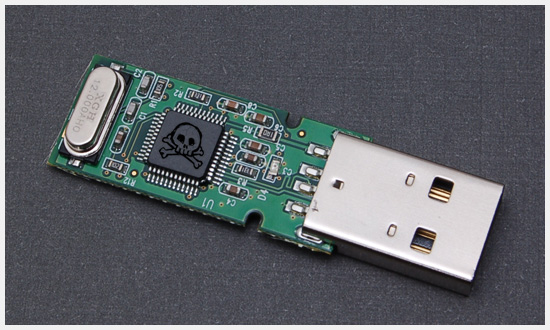
For fun and security (and a bit of paranoia), I thought I should whitelist my trusted USB devices and block everything else.
We have a couple of tools that can help us with that. USBGuard is the one I found to be the most configurable and well documented.
NOTICE: All commands here require certain privileges. To make commands easier to read, I omitted adding
sudoin the beginning. But you probably need to.
USBGuard should already be packaged for your favorite Linux distribution.
One important thing to consider though is that on Debian (and derivatives) installing a package that comes with a systemd service file ends up being started and enabled by default. That means that if your input devices are USB-connected, you will find yourself locked out of your system. This may include even devices that are not physically plugged in a USB port (eg. your laptop built-in keyboard).
The upstream developer actually has a relevant warning:
WARNING: before you start using usbguard be sure to configure it first unless you know exactly what you are doing (all USB devices will get blocked).
But that didn't stop the Debian developers, who maintain that package, to allow USBGuard daemon to start with zero configuration 🤷
You can find more detailed guides on how to prevent this "feature", but for the scope of this post here is what I did.
Systemd comes with a mask feature, that will prevent a certain service from being started. So for instance, if you try this:
sudo systemctl mask nginx.service
sudo systemctl start nginx.service
You'll get this error:
Failed to start nginx.service: Unit nginx.service is masked.
In our case, we can't use the mask command because USBGuard is not installed yet. But what mask actually does is just create a symlink. So all we have to do is create it manually:
sudo ln -s /dev/null /etc/systemd/system/usbguard.service
And now we can safely install USBGuard:
sudo apt install usbguard
First thing to do is create an initial policy that whitelists all of our usb devices. Now it's a good time to plug-in devices that you tend to use often and you already trust. You can of course whitelist devices at any point.
usbguard generate-policy
The above command will display the list of your currently plugged devices with an allow keyword in the beginning. Let's save that to USBGuard's configuration file:
usbguard generate-policy > /etc/usbguard/rules.conf
Now it's safe to unmask, start and enable USBGuard daemon:
systemctl unmask usbguard.service
systemctl start usbguard.service
systemctl enable usbguard.service
To test this actually works try to plug a new device, not whitelisted yet. Let's a simple USB stick. Hopefully it will be blocked. To confirm that:
usbguard list-devices
This lists all your detected devices. The new device you just plugged-in should have a block keyword in the beginning. For a more filtered output:
usbguard list-devices | grep block
You should see something like this:
13: block id 0xxx:0xxx serial <...>
Now let's say you actually want to unblock this device, because it came from a friend you trust. The command we run above also contained an ID number. The first thing on that line. We can use that and allow that device:
usbguard allow-device 13
Using allow-device doesn't whitelist the device for ever. So let's say you bought a new external disk and you want to whitelist it. USBGuard has an append-rule command. You just need to paste the whole device line starting with an allow keyword.
Plug the device and see the USBGuard output:
usbguard list-devices | grep block
You should see something like this:
21: block id 0xxx:0xxx serial <...>
Copy the whole line starting from id and then use it but prefix it with an allow keyword (mind the single quotes used to wrap the entire rule):
usbguard append-rule 'allow id 0xxx:0xxx serial <...>'
At any point you can see the whitelisted devices:
usbguard list-rules
And you use the id number in the beginning of each line in order to interact with that specific rule. For example to remove a device:
usbguard remove-rule <id>
And remember, there is no such thing as absolute security. It all comes down to your Threat model.
Comments and reactions on Mastodon, Diaspora, Twitter and Lobsters.
]]>